Updated July 3, 2026
How to Turn Facebook Birthdays Into Reliable Reminders
Facebook has the birthdays, but reminders get lost in the noise. Here’s how to export important birthdays and get text reminders instead.
The good news: Facebook has the birthdays
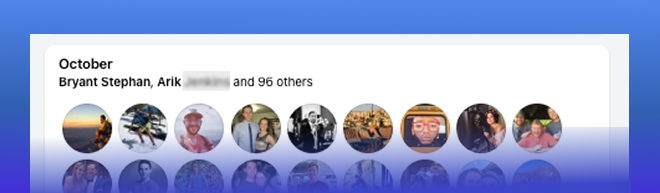
This is the good part.
Facebook knows birthdays you would never think to ask for.
Old friends. People from school. People from work. People you met once and somehow still know.
If you are trying to build a birthday reminder list, Facebook is a pretty good place to start.
The bad news: Facebook is not a great reminder system
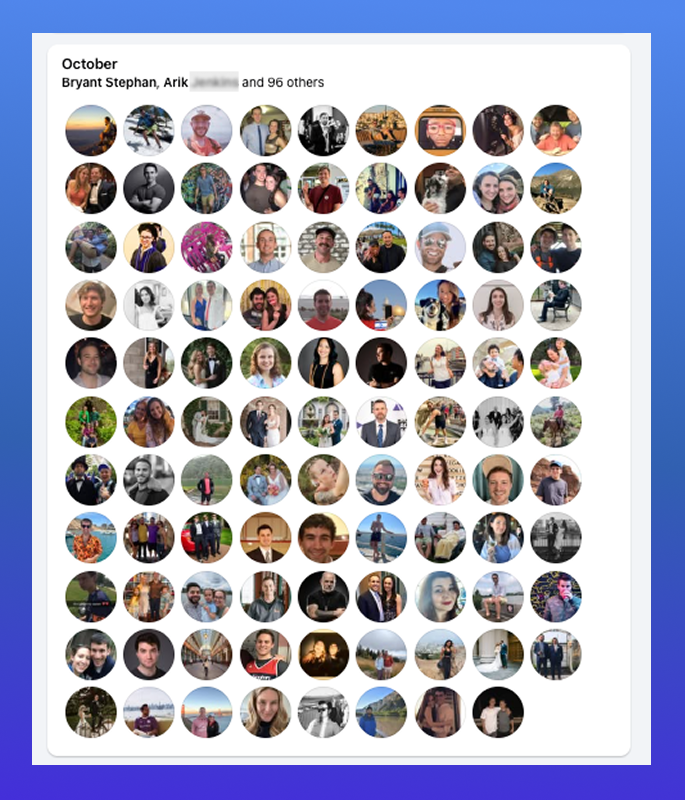
The issue is not that Facebook has zero birthday notifications.
The issue is that it has thousands.
Your friend's birthday is sitting next to group posts, comments, marketplace alerts, influencer reels, memories, event invites, and whatever else the app wants you to look at.
That is fine for scrolling, and bad for remembering a birthday before lunch.
The solution: Facebook as the source, not the system
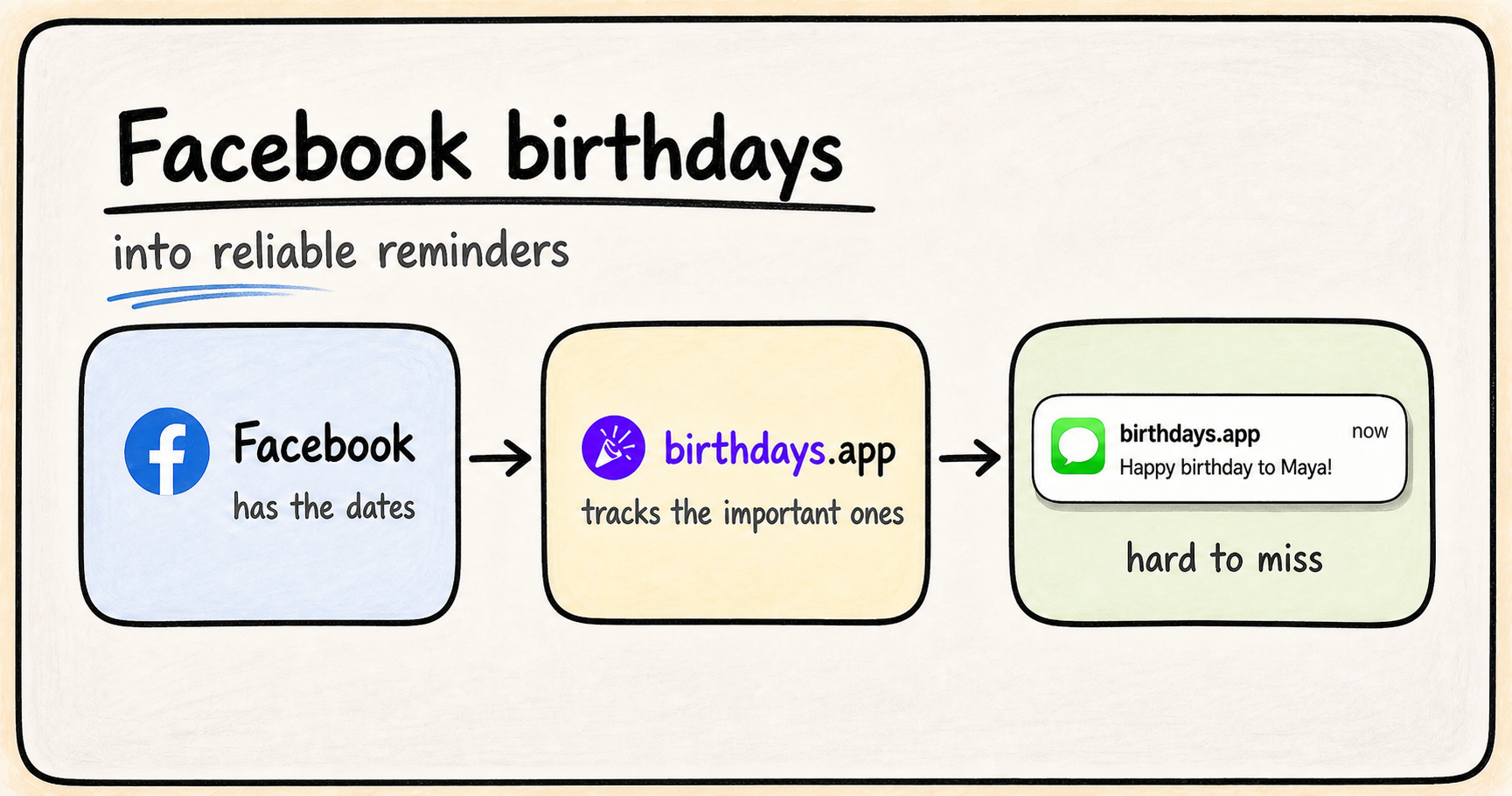
This is the better mental model:
Facebook is the address book.
birthdays.app is the reminder system.
The simple version
- Install the Chrome extension.
- Open Facebook and click fetch birthdays.
- Get your birthdays.app import code.
- Select friends and import birthdays.
- Get birthday reminders by text every year.
How to do it
1. Install the Chrome extension
First, install the birthdays.app Chrome extension.
This part is desktop-only.
The extension has one job: fetch birthdays from Facebook, then help you send the selected ones into birthdays.app.
Not your whole social life. Not a new place to scroll.
Just the birthdays.
2. Open Facebook and click fetch birthdays
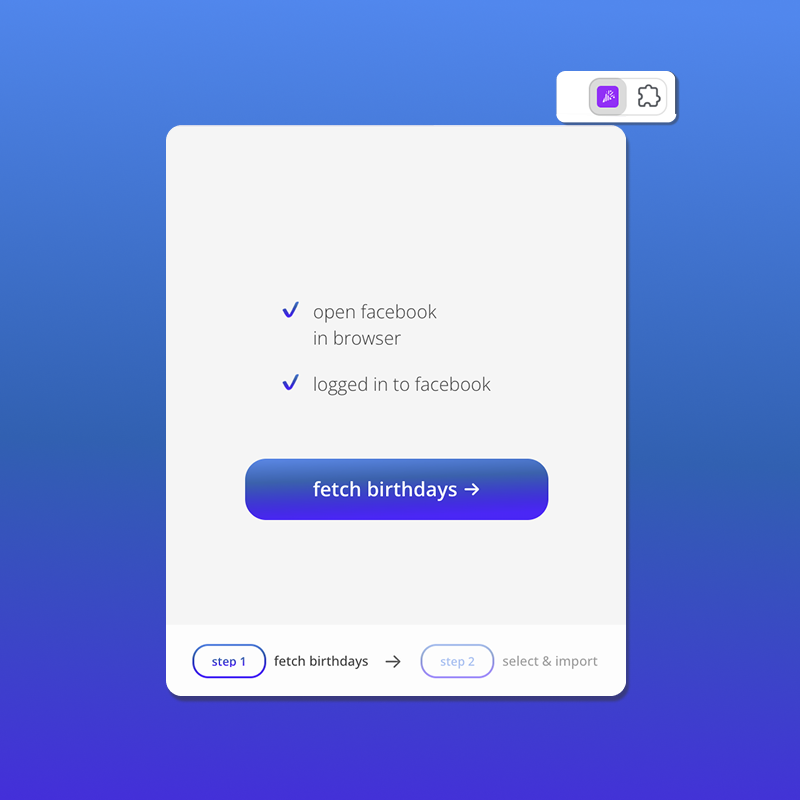
Open Facebook in Chrome.
Then open the extension and click fetch birthdays.
The extension may ask you to open Facebook first. That is normal. It needs Facebook open so it can find the birthday list.
After the fetch finishes, the extension moves to the next step: select & import.
3. Get your birthdays.app import code
The extension needs an import code.
That code tells birthdays.app where to put the birthdays.
Enter your phone number below, create your birthdays.app account, and we will show your Facebook import code here.
Get your Facebook import code
Enter & verify your phone number to see your Facebook import code below.
Once you have the code, paste it into the extension where it says import code.
If you are already in the extension, you can also click need a code? and it will open the same place.
4. Select friends and click import birthdays
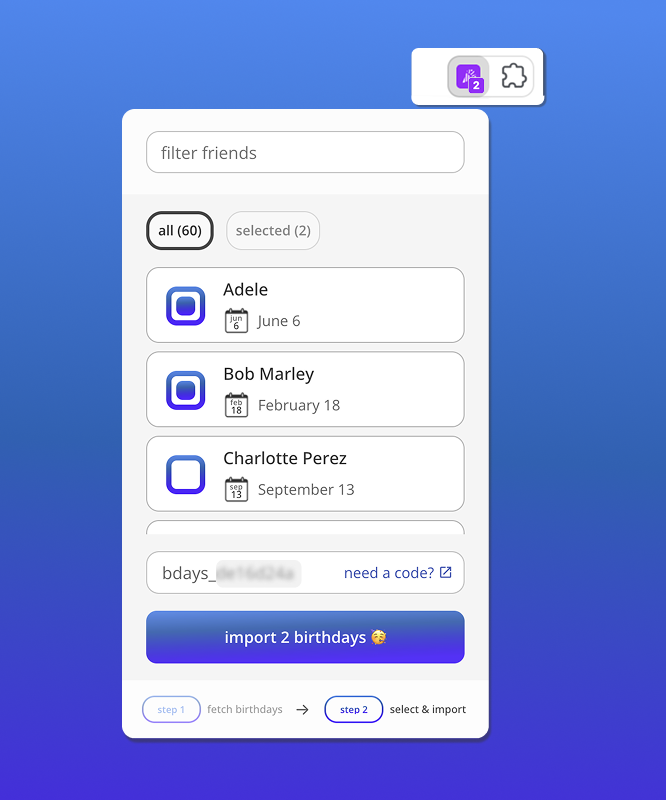
You do not need to import every person you have ever met.
Honestly, please do not.
Start with close friends, family, and the people where a birthday text would actually mean something.
Then click import birthdays.
If you already have someone saved, birthdays.app is designed to avoid obvious duplicates.
5. Get reminders every year
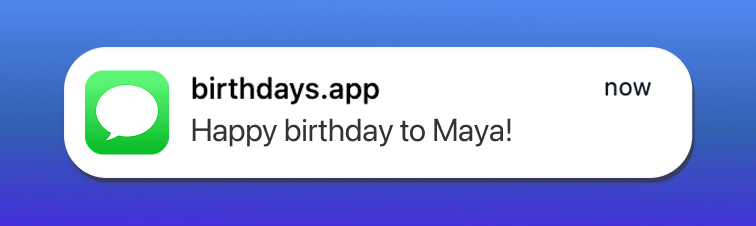
Once the birthdays are in birthdays.app, the whole thing gets calmer.
You do not have to open Facebook and hope the right notification is there.
You do not have to put every birthday next to your work meetings.
You just get a text when it matters.
That is the real upgrade.
Facebook helps you find the birthdays.
birthdays.app helps you remember them.
Frequently Asked Questions
Where do I find birthdays on Facebook?
You can find Facebook birthdays at facebook.com/events/birthdays. This page shows the full list of your friends' birthdays.
Can I turn Facebook birthdays into text reminders?
Yes. The birthdays.app Chrome extension can fetch birthdays from Facebook, then import selected friends into birthdays.app so you can get birthday reminders by text.
How do I import Facebook birthdays?
Install the Chrome extension, open Facebook, click fetch birthdays, get your birthdays.app import code, then select the friends you want to import.
What is a Facebook birthday import code?
The import code connects the Chrome extension to your birthdays.app account. You can get one by entering your phone number and signing in to birthdays.app.
Should I import every Facebook friend?
No. Start with close friends, family, and the people you would actually feel bad missing. A smaller list is usually a better reminder system.